
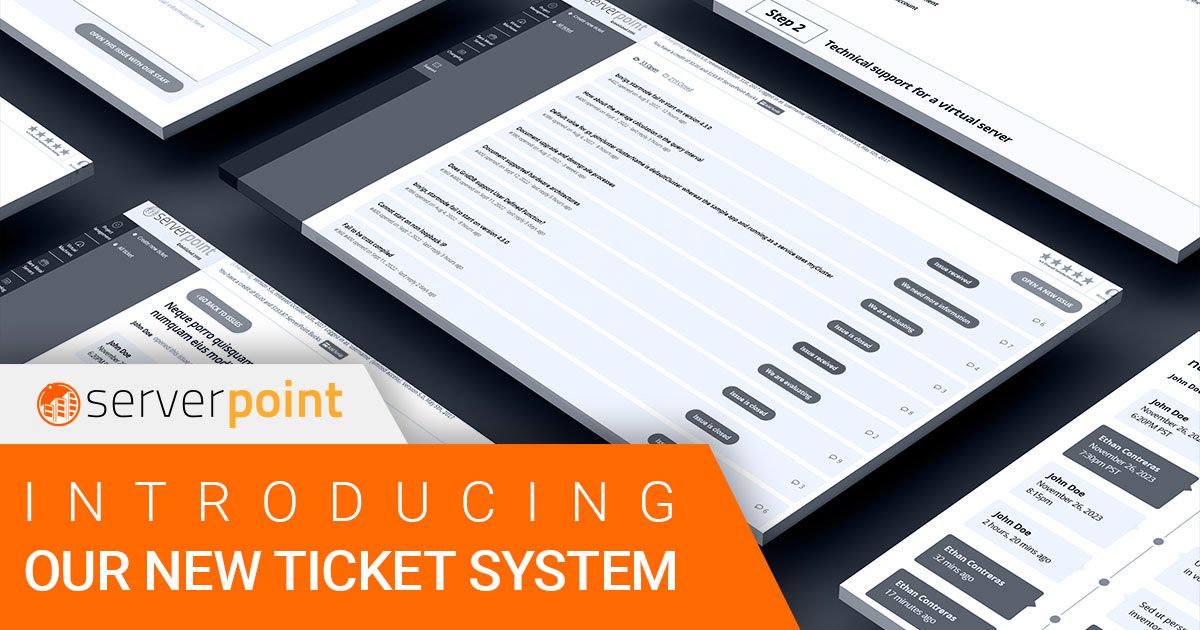
Good hosting is only as good as the support behind it. You can have the fastest VPS in the world, but if you can’t get help when something goes wrong, the hardware doesn’t matter. We’ve rolled out a new ticket system in the Client Portal designed to make support communication faster and more organized.
How it works
Log into the Client Portal and click “Support” in the left menu. Choose the department you need (support, sales, or billing), describe your issue, and submit. The entire conversation stays in one thread, so you and our team can follow the full history without digging through email chains.
You can attach files (screenshots, config files, logs), reference specific servers in your account, and track the status of your request all from the same interface you use to manage your VPS hosting and dedicated servers.
Why we built it
Our previous system used a mix of email and a separate ticket interface. That made it harder to keep context in one place. When a support engineer picked up your ticket, they had to switch between tools to see your server configuration, billing history, and previous conversations.
The new system ties everything together. When you open a ticket, our team can immediately see:
- Which servers you have and their current status
- Your account history and previous tickets
- The specific product or service you’re asking about
This means faster, more accurate responses because the engineer already has the context they need.
What you can get help with
Our support team handles questions about virtual servers (provisioning, configuration, networking, OS issues), dedicated servers (hardware, RAID, custom builds), web hosting, WordPress, DNS, email, billing, and account management.
If you have feedback on the new system, we’d love to hear it. Open a ticket and let us know.